Most llms.txt files out there are technically valid. They load, they return the right Content-Type, they don't throw errors. And when an AI crawler actually reads them, they're nearly useless — too long, too vague, or structured in a way that gives AI models noise instead of signal.
The spec is permissive by design. It doesn't tell you how long your summaries should be, how to organize your sections, or what counts as a page worth listing. That freedom is what creates so many mediocre files.
These 10 rules close that gap. They come from what the spec actually recommends, how real AI crawlers process llms.txt files, and what separates content that gets cited from content that gets ignored. You can apply all of them in under 30 minutes.
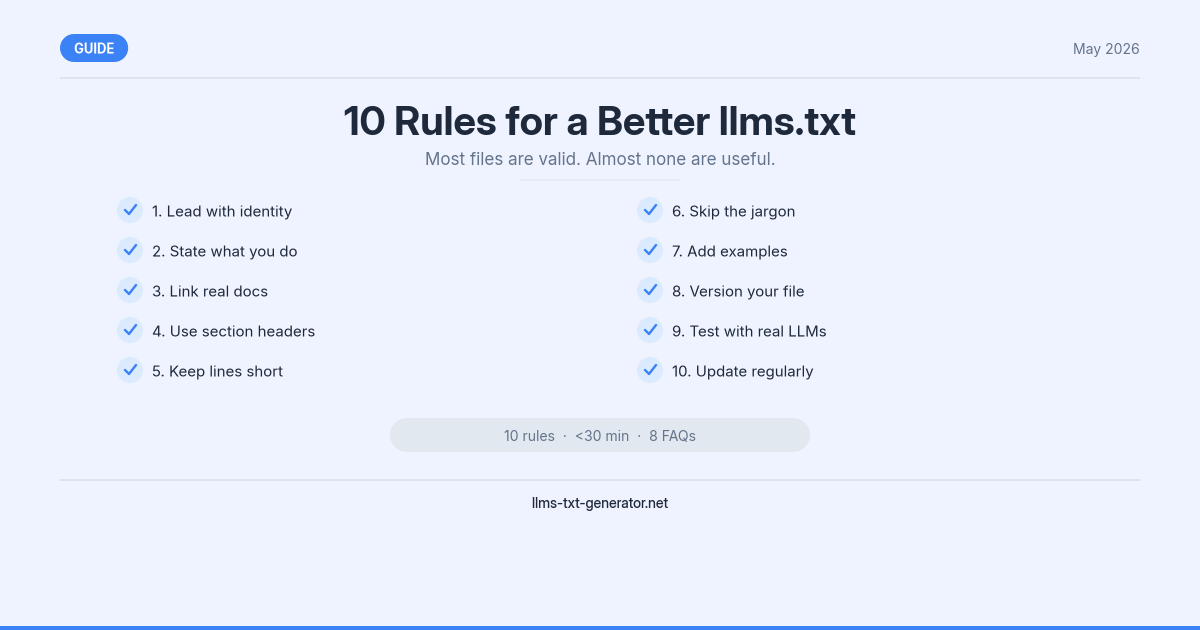
The 10 Rules at a Glance
# | Rule | What It Fixes |
|---|---|---|
1 | Use a clean, descriptive title | Marketing taglines as H1 |
2 | Write a blockquote that actually says something | Vague, generic site descriptions |
3 | Group pages into H2 sections | Flat link dumps with no structure |
4 | Write real link descriptions | Descriptions that just restate the title |
5 | List your best 10–20 pages, not everything | Sitemap-sized files no one needs |
6 | Keep the file under 100KB (aim for under 10KB) | Oversized files that get truncated |
7 | Use consistent URL formatting | Mixed absolute and relative URLs |
8 | Update it monthly — or auto-generate it | Stale files with dead links |
9 | Test it with an actual LLM query | Files that look right but read wrong |
10 | Add | Shallow coverage of key pages |
Rule 1: Use a Clean, Descriptive Title
The first line of your llms.txt is an H1 — your site or product name, nothing else. It sounds obvious, but a lot of files open with something like:
# Welcome to Acme — AI-Powered Insights for the Modern EnterpriseThat's a tagline, not a title. When an AI model reads it, it's parsing marketing copy instead of learning your site name. Use the actual name:
# Acme AnalyticsOne line. The name. Nothing else. Descriptions go in the blockquote summary (Rule 2).
Rule 2: Write a Blockquote That Actually Says Something
Immediately after the H1, the spec calls for a blockquote (>) that summarizes what your site does. Most files waste this line:
> Helping businesses achieve digital excellence through cutting-edge AI solutions.That tells an AI model nothing specific. Compare it to:
> A free tool that generates properly formatted llms.txt files for any website in under 60 seconds.The second version answers three questions in one sentence: what it does, who it's for, and how fast it works. Write it like you're explaining your site to a smart colleague who has never heard of it. One sentence, plain language, no buzzwords.
Rule 3: Group Pages Into H2 Sections
Don't dump every link at the root level. Pages grouped under descriptive H2 headings are far easier for AI models to navigate:
## Documentation

- [Getting Started](/docs/getting-started): Setup guide for new users
- [API Reference](/docs/api): Full endpoint documentation

## Blog

- [Blog Index](/blog): All articles on llms.txt, AI SEO, and web standards
Common section names that work well: ## Documentation, ## Blog, ## API, ## Guides, ## Tools, ## About. Use whatever labels match your actual content — the goal is that an AI model (or a human) can scan the headings and immediately understand how your site is organized.
Rule 4: Write Real Link Descriptions
Every link in your llms.txt follows this format:
- [Page Title](URL): DescriptionThe description is where most files fall apart. A bad description restates the page title:
Bad:
- [Blog](/blog): BlogBad:
- [API Reference](/docs/api): API ReferenceGood:
- [API Reference](/docs/api): Complete endpoint docs including authentication, rate limits, and code examples
The description should add information the title doesn't already provide. Think about what someone would want to know before clicking the link. One sentence, specific, no filler.
Rule 5: List Your 10–20 Best Pages, Not Everything
This is the rule most sites get wrong. Your CMS can export 500 URLs. Your llms.txt should list around 20 of them.
The purpose of llms.txt is to guide AI models to your most important content, not to replicate your sitemap. When you list everything, you dilute the signal — the pages that actually matter get buried in the noise of every product variant, every tag archive, and every pagination URL you've ever created.
A good shortlist includes:
Your main product or service pages
Your top 5–10 documentation or guide pages
A link to your blog index (not every individual post)
Any pages that are frequently cited or linked to
If you're not sure what to include, generate your llms.txt with the generator — it selects the high-value pages automatically from your URL structure.
Rule 6: Keep the File Under 100KB (Aim for Under 10KB)
Most well-structured llms.txt files are 1–5KB. That's a few dozen lines of plain text. Files grow because people add too many pages (Rule 5) or write paragraph-length descriptions for every link.
The practical limit is 100KB — some AI crawlers will truncate files beyond that, which means the bottom half of your file simply never gets read. But the real target is under 10KB: compact enough to be processed in a single context window without competing for space with other content.
If your file is growing past 10KB, go back to Rule 5 and cut the page list down.
Rule 7: Use Consistent URL Formatting
Pick one format and stick with it throughout the file:
Relative URLs:
/docs/getting-started— works well for same-domain links, shorter, easier to maintainAbsolute URLs:
https://yourdomain.com/docs/getting-started— required if you link to external resources
Mixing both in the same file isn't technically wrong, but it creates inconsistency that some parsers handle poorly. If all your links are internal, use relative URLs. If you have any external links (e.g., to your GitHub, your docs on a subdomain), go absolute throughout.
Rule 8: Update It Monthly — or Auto-Generate It
A stale llms.txt is worse than no llms.txt. When AI crawlers follow links that 404, or find descriptions that contradict the actual page content, it erodes the trust signal the file was supposed to create.
Two options:
Manual update: Set a monthly calendar reminder to review the file. Add new pages that have launched, remove pages that have changed significantly or been removed, update descriptions that are no longer accurate.
Auto-generate: Build a route handler that generates the file from your CMS or content layer. If you're on Next-js, see our guide to the App Router route handler — it's a 15-minute setup that keeps your file permanently current.
The auto-generate approach is strictly better if you publish frequently. One-time setup, zero ongoing maintenance.
Rule 9: Test It With an Actual LLM Query
This is the QA step most people skip, and it's the most revealing one. Once your llms.txt is live, open Claude or Perplexity and ask:
"What does [yourdomain.com] do, based on its llms.txt file?"
If the AI model gives you a clear, accurate answer — it names what your site does, who it's for, and what key content it offers — your file is working. If it gives you a vague or wrong answer, something in the file is misleading it. The most common culprits: a tagline-style H1 (Rule 1), a generic blockquote summary (Rule 2), or a flat unsectioned link list (Rule 3).
Run this test every time you make a significant update to the file. It takes 30 seconds and it's the only real way to know if your file is doing its job. For a complete walkthrough of verifying AI crawler access, see our guide on how to verify your llms.txt is being crawled.
Rule 10: Add llms-full.txt for Your Most Important Content
llms.txt is a compact index. It points AI models in the right direction, but it doesn't give them your actual content. llms-full.txt does: it's an extended version of the file that includes the full Markdown text of your key pages, intended for AI systems that want to process your content deeply without crawling every URL.
This matters most for:
Documentation sites where the full text of your guides is the product
Blogs where you want your articles to be directly citable
Product pages where detailed feature descriptions should be immediately accessible
Don't start here — get your llms.txt clean first. But once the index is solid, adding llms-full.txt gives AI models a reason to prioritize your content over competitors who only have the index file. To get the right format, generate both files at once with the generator.
Conclusion
None of these rules are complicated. The gap between a mediocre llms.txt and a useful one comes down to a clean title, a real summary, organized sections, specific descriptions, and the discipline to keep the file short and current.
Start by running the LLM query test (Rule 9) on your existing file. If the answer isn't clear and accurate, work backwards through Rules 1–4 until it is. Then set a monthly reminder or build the auto-generate route, and you're done.
If you're starting from scratch, generate your free llms.txt file — the generator applies all 10 of these rules automatically and gives you a file that's ready to publish.
Frequently Asked Questions
Does the order of rules matter? Which ones should I fix first?
Start with Rules 1–3 — title, blockquote summary, and section structure. These affect how AI models understand your site at the highest level. If those are wrong, the rest of the file doesn't matter. Once the structure is clean, apply Rules 4–6 to improve the quality and size of the content.
What's a good way to check my current file before making changes?
Run the Rule 9 test first: ask Claude or Perplexity "What does [your site] do based on its llms.txt?" The answer will tell you immediately what's working and what's confusing. Then review the file against Rules 1–4 to find the root cause.
Is there a validator I can use to check my llms.txt format?
There's no official validator for llms.txt, but the generator tool produces correctly structured output you can compare against. The spec itself is straightforward — the most common issues are structural (flat links, no sections, oversized files) rather than syntax errors.
How do I know if my file is too long?
Check the file size: anything under 10KB is fine, 10–100KB is getting long, and over 100KB risks truncation by some crawlers. A fast way to trim it: remove any links that aren't in your top 20 most important pages, and shorten descriptions to one sentence each. You'll usually cut 50–70% of the file without losing anything meaningful.
Should I use relative or absolute URLs?
Relative URLs (/page) are fine for all-internal files — they're shorter and easier to maintain. Use absolute URLs if any of your links point to external domains (a GitHub repo, a subdomain, a third-party docs site). Don't mix both formats in the same file.
What's the difference between llms.txt and llms-full.txt?
llms.txt is a compact index — title, summary, and links to your key pages with short descriptions. llms-full.txt includes the actual full-text Markdown content of those pages. The index is faster and lighter; the full version gives AI models deeper coverage. Start with the index, add the full version once the index is clean.
How often do AI crawlers actually re-read llms.txt files?
Crawl frequency varies by crawler and by site traffic. GPTBot and ClaudeBot typically re-crawl active sites every 2–4 weeks. Setting a Cache-Control: max-age=86400 header (24 hours) on your file ensures crawlers get a fresh version on their next pass without hammering your server. For a full breakdown of which crawlers read the file and how often, see our AI crawlers reference guide.
Do these best practices apply to llms-full.txt as well?
Mostly yes — the title, summary, and section structure rules carry over directly. The main difference is file size: llms-full.txt is intentionally larger because it includes full page text, so Rule 6 (keep it under 100KB) applies less strictly. That said, include only your genuinely important pages — a bloated llms-full.txt has the same problem as a bloated index file.