You've built your SvelteKit app, deployed it to Vercel or Cloudflare, and now you want AI crawlers to understand what your site is about. You know llms.txt is the right move. But SvelteKit's docs don't mention it, and the threads you've found online either contradict each other or reference outdated adapter configs.
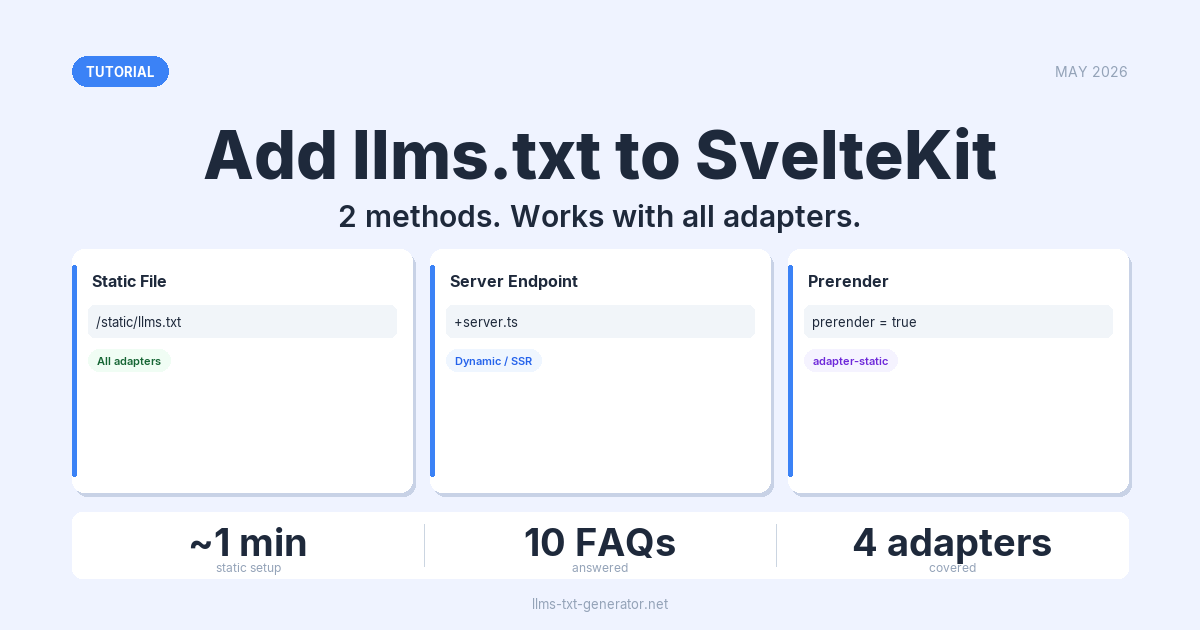
Two methods work. The first is a static file in the static/ directory — takes about a minute, works with every adapter. The second is a server endpoint — dynamic, SSR‑friendly, useful when your content changes without a redeploy. Both serve a valid llms.txt at https://yoursite.com/llms.txt.
By the end of this guide, you'll have a working llms.txt on your SvelteKit site regardless of how you deploy it.
What is llms.txt and Why Does It Matter?
llms.txt is a plain‑text file at your domain root that tells AI language models what your site contains, which pages matter, and what to skip. Think of it as a robots.txt for AI — but instead of blocking crawlers, you're guiding them.
Claude, Perplexity, and ChatGPT actively crawl sites that publish llms.txt. Without one, these tools guess at your content — and often get it wrong, miss your best pages, or skip you entirely.
For SvelteKit, the challenge is practical: llms.txt must be served from the domain root (/llms.txt). SvelteKit has two clean ways to do that.
If you're new to the standard, read our guide on what llms.txt is and why your website needs one before continuing.
Method 1: Static File in /static
The simplest approach, and the one to use for most SvelteKit sites. The static/ directory at your project root serves files directly at your domain root — no config changes needed.
- Open your SvelteKit project and find the
static/directory. It sits at the project root, at the same level assrc/andpackage.json. - Create a new file called
llms.txtinsidestatic/. - Add your content (format example below).
- Deploy. SvelteKit copies everything in
static/verbatim to the output — the file will appear athttps://yoursite.com/llms.txt.
Example content
Here's a minimal working llms.txt for a SvelteKit site:
# My SvelteKit Site

> A developer tool for [brief description]. Built with SvelteKit.

## Documentation

- [Getting Started](/docs/getting-started): How to install and configure the tool
- [API Reference](/docs/api): Full API documentation
- [Changelog](/changelog): Recent updates

## Optional

- [Full Documentation](/llms-full.txt): Complete documentation in a single file
This works with every official SvelteKit adapter: adapter-auto, adapter-vercel, adapter-cloudflare, adapter-node, and adapter-static. Files in static/ are always copied verbatim to the build output — no special handling required.
Method 2: Server Endpoint (Dynamic llms.txt)
If your llms.txt content needs to be generated at request time — pulling from a CMS, a database, or environment variables — use a SvelteKit server endpoint.
- Create the file
src/routes/llms.txt/+server.ts(or+server.jsfor JavaScript projects). - Export a
GEThandler that returns the content withtext/plainheaders.
Server endpoint code
// src/routes/llms.txt/+server.ts
import type { RequestHandler } from './$types';

export const GET: RequestHandler = () => {
  const body = `# My SvelteKit Site

> A developer tool for [brief description].

## Documentation

- [Getting Started](/docs/getting-started): How to install and configure
- [API Reference](/docs/api): Full API documentation
- [Changelog](/changelog): Recent updates
`;

  return new Response(body, {
    headers: {
      'Content-Type': 'text/plain; charset=utf-8',
      'Cache-Control': 'public, max-age=86400'
    }
  });
};
Two things worth noting:
Cache-Control: max-age=86400(24 hours) prevents AI crawlers from hitting the endpoint on every visit while still picking up updates within a day.- The route directory must be named
llms.txt, dot included. SvelteKit handles the dot in directory names correctly — no special escaping needed.
For a fully dynamic version, call your CMS or data source inside the GET handler and build the response string from the result before returning it.
Making the Endpoint Prerenderable
If you use adapter-static but prefer the endpoint approach, mark the route as prerenderable:
// src/routes/llms.txt/+server.ts
export const prerender = true;

export const GET: RequestHandler = () => {
  // ... your handler
};
SvelteKit will render the endpoint at build time and output a static llms.txt file. The result is identical to putting the file in static/, but the content lives in your route tree — useful if you want to keep all content logic in one place.
Which Method Should You Use?
| Factor | Static File (/static/llms.txt) |
Server Endpoint (+server.ts) |
|---|---|---|
| Setup time | ~1 minute | ~5 minutes |
| Dynamic content support | No | Yes |
Works with adapter-static |
Yes | Only with prerender = true |
Works with adapter-vercel |
Yes | Yes |
Works with adapter-node |
Yes | Yes |
Works with adapter-cloudflare |
Yes | Yes |
| Can pull from CMS or database | No | Yes |
| Updates without redeploy | No | Yes (with CMS integration) |
Use the static file method for most sites. It's simpler, adapter‑agnostic, and covers the majority of use cases. Use the server endpoint only if your content needs to update without a redeploy — for example, when your site structure is managed through a headless CMS.
Verifying Your llms.txt Works
After deploying, check the file before assuming AI crawlers can find it.
- Browser test: Go to
https://yoursite.com/llms.txt. You should see plain text, not an HTML page or a 404. - curl test: Run
curl -I https://yoursite.com/llms.txtand confirmContent-Type: text/plainin the response headers. - Format check: Use the llms.txt generator to validate your file's structure and completeness.
The most common issues:
- 404: The file isn't in
static/, or the server endpoint route path is wrong. Confirm the path issrc/routes/llms.txt/+server.ts, not a variation likesrc/routes/llms/txt/. - HTML response instead of plain text: A SvelteKit error page is being served. Usually a typo in the route directory name.
- Wrong Content‑Type for the endpoint method: Make sure your
GEThandler explicitly sets'Content-Type': 'text/plain; charset=utf-8'. SvelteKit doesn't infer it from the filename.
Writing a Good llms.txt for Your SvelteKit Site
Once the file is serving correctly, the content matters. A good llms.txt isn't just a list of URLs — it's a structured guide that helps AI tools understand what your site does and which pages are worth reading.
- Start with a one‑line description in the blockquote format (
> Your site's purpose in one sentence). Keep it factual. - Group links by topic with
## Sectionheadings. AI models use these headings to filter relevant content from irrelevant sections. - Describe every link. Don't just list
/docs— write- [API Reference](/docs/api): Full API documentation for all endpoints. - Put your most important content first. AI crawlers don't always read every link — the top sections get the most attention.
For the full set of formatting rules, read our llms.txt best practices guide.
Conclusion
Adding llms.txt to SvelteKit is a five‑minute task. The static file method covers most cases: put the file in static/llms.txt, deploy, done. For dynamic sites, the server endpoint returns the same result while allowing you to generate content at request time.
Generate your free llms.txt file to get a properly formatted starting point — then drop it into your project and ship it.
Frequently Asked Questions
Does llms.txt work with all SvelteKit adapters?
The static file method works with every adapter — adapter-auto, adapter-vercel, adapter-cloudflare, adapter-node, and adapter-static all copy files from static/ verbatim to the build output. The server endpoint method requires an SSR‑capable adapter; add export const prerender = true to the route if you need it to work with adapter-static.
Where exactly does the file go in a SvelteKit project?
For the static file method, place it at static/llms.txt — that's the static/ folder at the project root, at the same level as src/ and package.json. For the server endpoint, create src/routes/llms.txt/+server.ts (or +server.js for JavaScript).
What if I accidentally create both a static file and a server endpoint?
SvelteKit's server endpoint takes precedence over files in static/ when there's a naming conflict. Pick one method and remove the other — having both is unnecessary and can lead to unexpected behavior during builds.
How often should I update my llms.txt?
Update it when your site's structure changes significantly — new sections added, major content overhauls, or important pages removed. Once a month works for most sites. AI crawlers cache the file, so frequent updates don't improve crawl frequency in any meaningful way.
Do I need to reference llms.txt from robots.txt or my sitemap?
No — AI crawlers check for llms.txt at /llms.txt directly. You don't need to reference it from anywhere else. Some developers add a comment in robots.txt pointing to it, which is harmless. See our comparison of llms.txt, robots.txt, and sitemap.xml for more context on how the three files relate.
Is there a size limit for llms.txt files?
The specification doesn't set a hard limit, but keep your file under 100KB. Most AI crawlers have practical read limits per file. For large sites, the two‑file pattern works well: a concise llms.txt as a structured index, plus a more detailed llms-full.txt with your full content.
Does adding llms.txt affect my Google search rankings?
No. Google's web crawler ignores llms.txt — it's a file designed specifically for AI language model crawlers. Adding or removing it has no impact on Google search rankings.
Does this work the same way in TypeScript and JavaScript projects?
For the static file method, yes — it's a plain text file, no language difference. For the server endpoint, use +server.ts with RequestHandler imported from ./$types in TypeScript projects, or +server.js with JSDoc types in JavaScript projects. The logic is identical.
What's llms-full.txt, and should I add that too?
The llms.txt standard supports an optional llms-full.txt file containing the complete text of your site's content in one document — useful for AI tools that want to ingest everything at once. The main llms.txt is a structured index; llms-full.txt is the full content dump. Read our guide on when to use llms.txt vs llms-full.txt to decide whether you need it.
Can I use SvelteKit's server hooks to serve llms.txt?
Technically yes — you could intercept /llms.txt requests in src/hooks.server.ts. But there's no reason to. The static file and server endpoint approaches are both cleaner, more idiomatic, and easier to maintain. Use hooks only if you have a very specific reason to intercept at the middleware level that neither standard method can handle.