You built your Nuxt.js site, it shows up in Google, but AI assistants keep recommending your competitors instead. The problem usually isn't your content — it's that AI crawlers can't find a structured summary of what your site covers. A missing llms.txt file is the most common fixable reason AI tools overlook well-built Nuxt sites.
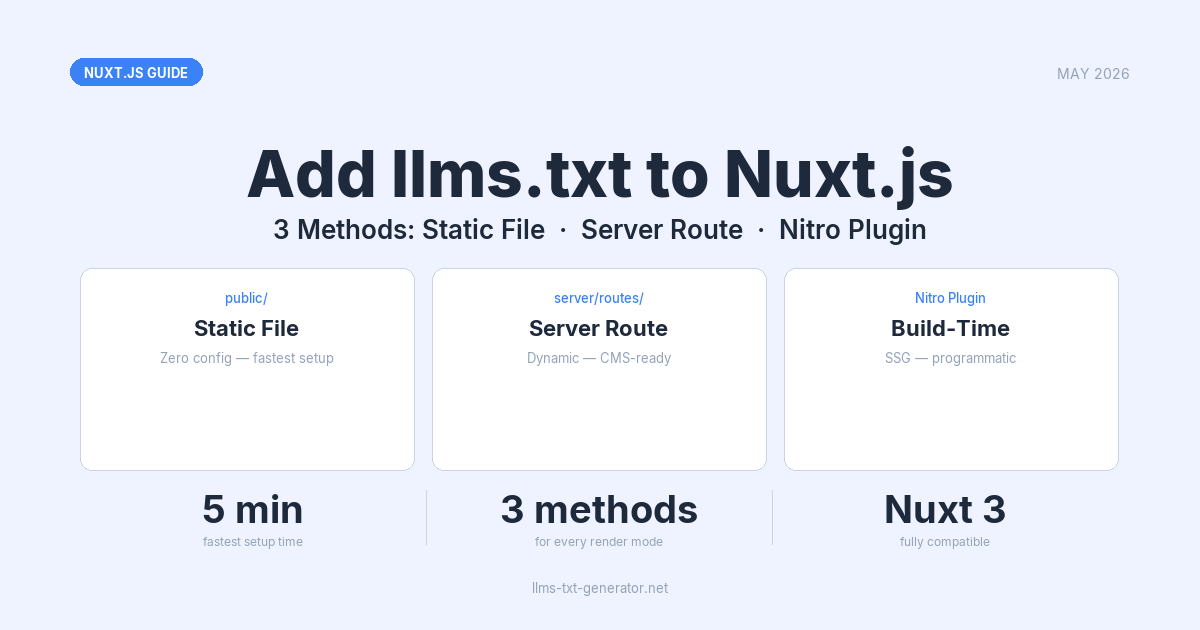
This guide covers three practical methods for adding llms.txt to a Nuxt 3 project: a zero-configuration static file, a server route that generates content dynamically, and build-time prerendering of a server route. All three work with SSR, SSG, and hybrid rendering modes.
By the end, you'll have a working llms.txt served at yourdomain.com/llms.txt, verified and ready for the AI crawlers that matter most in 2026.
Why Nuxt Sites Need llms.txt in 2026
AI assistants don't crawl your entire site looking for context. They rely on llms.txt — a short, structured Markdown file at the root of your domain — to understand what your site covers and which pages are most important.
Without it, AI crawlers either skip your site or construct a shallow picture of your content from whatever they happen to index. Sites with a well-structured llms.txt consistently receive more accurate AI citations compared to those without one.
If you're curious about which AI platforms actually read this file, see the 2026 reference guide to AI crawlers and llms.txt support.
Three Methods Compared
Nuxt 3 gives you three clean approaches to serving /llms.txt. Each suits a different deployment model:
| Method | How it works | Best for | Dynamic content? | Complexity |
|---|---|---|---|---|
Static file in public/ |
Drop a file; Nuxt serves it automatically | Static or infrequently updated sites | No — manual updates only | Zero config |
| Server route | server/routes/llms.txt.ts returns text at request time |
SSR sites, CMS-driven content | Yes — generates fresh on each request | Low |
| Prerendered route | Prerenders the server route to a static file during build | SSG sites with build-time CMS data | Build-time only | Low |
Method 1: Static File in the public/ Directory
The fastest approach. Any file placed in public/ is served exactly as-is at the root of your domain — no configuration, no build step, no server logic required.
- Create
public/llms.txtin your project root. - Add your content (see the content section below).
- Deploy — the file is immediately available at
yourdomain.com/llms.txt.
Project structure after adding the file:
my-nuxt-app/
├── public/
│   └── llms.txt      ← served at /llms.txt automatically
├── pages/
├── components/
└── nuxt.config.ts
This is the recommended starting point for most Nuxt projects. If you need help writing the file content, generate your free llms.txt file at llms-txt-generator.net — paste in your key pages and it outputs a correctly formatted file ready to drop into public/.
One caveat: Static files in public/ take priority over server routes in Nuxt's routing resolution. If you later add a server route at the same path, the static file wins. Choose one approach and stick with it.
Method 2: Server Route in server/routes/
For Nuxt 3 apps using SSR or hybrid rendering, a server route lets you generate llms.txt content dynamically — pulling from your CMS, database, or config on every request (or on a cached interval).
Create the file at server/routes/llms.txt.ts:
// server/routes/llms.txt.ts
export default defineEventHandler(() => {
  const content = `# My Site
> AI-readable overview of My Site — a platform for [your topic].

## Key Pages

- [Home](https://yourdomain.com): [What the homepage covers]
- [Blog](https://yourdomain.com/blog): [Topics covered in the blog]
- [About](https://yourdomain.com/about): [Who runs the site and why]
- [Contact](https://yourdomain.com/contact): [How to get in touch]

## Documentation

- [Getting Started](https://yourdomain.com/docs): [Description of the docs section]
`

  return new Response(content, {
    headers: {
      'Content-Type': 'text/plain; charset=utf-8',
    },
  })
})
Nuxt's file-based server routing means server/routes/llms.txt.ts is automatically served at /llms.txt. No additional configuration is needed in nuxt.config.ts.
Fetching Dynamic Content from a CMS
If your pages come from a headless CMS or database, fetch them inside the event handler and build the file content programmatically:
// server/routes/llms.txt.ts
export default defineEventHandler(async (event) => {
  // Fetch pages from your CMS or internal API
  const pages = await $fetch('/api/pages')

  const links = pages
    .map((p: { title: string; slug: string; description: string }) =>
      `- [${p.title}](https://yourdomain.com${p.slug}): ${p.description}`
    )
    .join('\n')

  const content = `# My Site
> Overview of My Site, updated dynamically from the CMS.

## Pages

${links}
`

  // Cache for 1 hour — AI crawlers don't need a fresh file every request
  setResponseHeader(event, 'Cache-Control', 'public, max-age=3600')
  setResponseHeader(event, 'Content-Type', 'text/plain; charset=utf-8')

  return content
})
The Cache-Control header is important for high-traffic sites. AI crawlers don't need a fresh file on every request — a 1-hour cache reduces unnecessary server load while keeping your llms.txt reasonably current.
Method 3: Build-Time Prerendering of Server Route
For Nuxt projects deployed as static sites (SSG with nuxt generate) that pull content from a headless CMS, database, or local markdown files (using @nuxt/content), you can generate your llms.txt during the build process.
Rather than writing a complex plugin to write files directly to the disk, the standard and cloud-compatible way is to write a server route and configure Nuxt to prerender it.
- Create the server route at
server/routes/llms.txt.tsas described in Method 2. You can fetch your CMS or dynamic content inside this route. - Add the route to the prerender routes list in your
nuxt.config.ts:
// nuxt.config.ts
export default defineNuxtConfig({
  nitro: {
    prerender: {
      routes: ['/llms.txt']
    }
  }
})
When you run nuxt generate or nuxt build, Nuxt's Nitro engine will automatically call the /llms.txt route, capture its text response, and write it to .output/public/llms.txt.
Why this is the best approach: It works seamlessly in read-only serverless/edge environments (like Vercel, Netlify, or Cloudflare Pages) because the file is generated during the build step and deployed as a static asset alongside the rest of your site, requiring zero filesystem writes at runtime.
What to Put in Your llms.txt
The format is plain Markdown. AI crawlers expect a consistent structure:
- H1 heading — Your site name
- Blockquote — A 1–2 sentence description of what your site covers and who it's for
- H2 sections — Grouped links to your most important pages (by topic or content type)
- Link format —
- [Page title](https://yourdomain.com/path): Brief description of what the page contains
Keep the file focused. A good llms.txt covers your 20–50 most important pages, not every URL on the site. Think of it as the table of contents you'd hand to a knowledgeable colleague who needs to understand your site in two minutes.
For examples of well-structured files across real sites, the llms.txt best practices guide has annotated examples worth reviewing before you write your own.
Testing Your llms.txt After Deployment
Once deployed, run through these verification steps:
- Visit the URL directly — Open
https://yourdomain.com/llms.txtin a browser. You should see plain text, not an HTML page. - Check the Content-Type header — Run
curl -I https://yourdomain.com/llms.txtand confirmContent-Type: text/plain. Some servers serve unknown file types asapplication/octet-stream, which some crawlers ignore. - Verify robots.txt doesn't block it — Check that your
robots.txtdoesn't include a rule likeDisallow: /llms.txt. AI crawlers follow robots.txt rules.
Common issues and fixes:
- 404 Not Found — If using the static method, confirm the file is in
public/, notassets/. Files inassets/go through Vite's build pipeline and won't be served at/llms.txt. If using a server route, confirm the file name is exactlyllms.txt.ts(notllms-txt.ts). If using the prerendering method, verify that/llms.txtis listed in yournitro.prerender.routesconfiguration. - HTML page instead of plain text — Your server route is missing the
Content-Typeheader, or a catch-all page route is intercepting the request. Check that nopages/llms.txt.vueor catch-all route file exists. - Static file overriding your server route — Nuxt resolves
public/files before server routes. If you have both, delete one. Decide whether you want static or dynamic and use only that method.
Conclusion
Adding llms.txt to a Nuxt.js project takes under five minutes with the static file method, and stays maintainable long-term with a server route or prerendered route when your content changes regularly. The static approach covers most use cases; switch to a server route or prerendered route when you want the file to update dynamically.
Frequently Asked Questions
Does llms.txt work with Nuxt 2?
Yes. In Nuxt 2, the equivalent directory is static/ (instead of Nuxt 3's public/). Place your file at static/llms.txt and it will be served at /llms.txt. For dynamic generation in Nuxt 2, use a custom server middleware in serverMiddleware/.
Should I use public/ or assets/ in Nuxt 3 for llms.txt?
Always use public/. Files in assets/ go through Vite's build pipeline and may be renamed, hashed, or bundled — they won't be served at a predictable path like /llms.txt. The public/ directory is served exactly as-is, which is what AI crawlers require.
Does llms.txt affect traditional Google SEO?
No. Google's traditional web crawler does not use llms.txt for ranking signals — it's a file specifically designed for large language model crawlers. Adding it has no negative effect on your existing SEO, and bots that don't recognize the format simply ignore it.
Can I serve both llms.txt and llms-full.txt from the same Nuxt project?
Yes. Create both files using whichever method you prefer — for example, public/llms.txt for the concise overview and public/llms-full.txt for the complete content dump. Reference llms-full.txt from within your llms.txt with a link so crawlers can discover the extended version when they need it.
Which Nuxt rendering mode works best for llms.txt?
All three modes (SSR, SSG, hybrid) work fine. Use the static public/ method for SSG, a server route for SSR or hybrid, and the prerendering method when you want to generate the file programmatically during SSG builds. The rendering mode has no effect on how AI crawlers read the finished file.
Will AI crawlers find my llms.txt automatically after I deploy it?
Discovery speed varies by platform. Perplexity crawls frequently; other platforms like the ChatGPT web crawler may take days or weeks to index a newly deployed file. To accelerate discovery, mention your llms.txt URL in your robots.txt (as a comment or Llms-txt: directive) and submit the URL through each platform's webmaster tools where available.
Should I update my llms.txt regularly?
Update it when your site's structure changes meaningfully — new major sections added, key pages removed, or significant shifts in what content you publish. For a stable marketing site, quarterly reviews are usually sufficient. For an active blog, documentation site, or app where content changes weekly, use the server route or prerendering method so the file stays current without manual maintenance.
Is there a file size limit for llms.txt?
There's no official limit, but aim for under 100KB. Most AI crawlers process files reliably within that range; behavior above it varies. A focused file covering 20–50 key pages is more effective than a comprehensive URL dump. If you have extended content to expose, use llms-full.txt for the extended version and link to it from llms.txt.
What's the difference between the static file, server route, and prerendering methods?
The static file in public/ is fixed and changes only when you update the file manually. The server route runs on SSR/hybrid servers, regenerating content dynamically on requests. The prerendering method generates a static file at build time by calling your server route during nuxt generate. Choose the static file for simplicity, the server route for real-time updates on SSR sites, and prerendering for dynamic content on SSG sites.