AI development tools have evolved rapidly. Today, AI is no longer just assisting developers — it's actively building applications, managing workflows, and executing coding tasks.
This shift has introduced a new category: AI coding agents and environments.
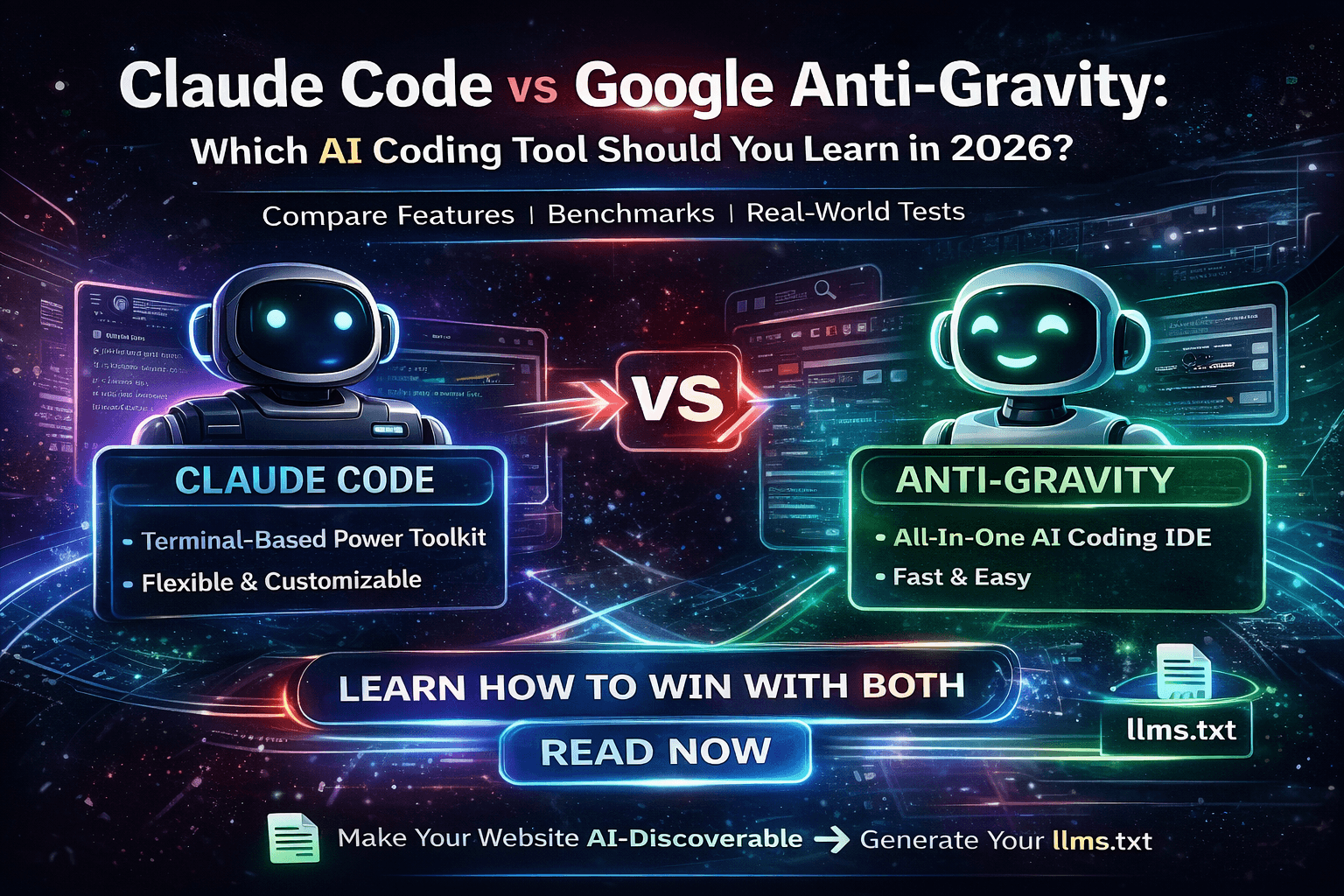
Two of the most powerful tools leading this space are Claude Code and Google Antigravity.
In this guide, we'll break down their features, performance, and real-world use cases to help you decide which tool to use in 2026.
What Are AI Coding Agents and AI-Native IDEs?
AI coding agents and AI-native development environments are advanced systems that can:
- Break complex tasks into structured plans
- Execute multi-step workflows
- Manage files, folders, and codebases
- Run terminal commands and automate development
Instead of writing code manually, developers now guide AI systems to build and execute tasks.
Claude Code vs Google Antigravity: Core Difference
Claude Code (Terminal-First Agent)
- Works inside your local terminal environment
- CLI-based agentic assistant with deep shell and filesystem access
- Full control over local execution and git workflows
Best for: Developers who want an agentic terminal helper that can run commands, edit files, and debug code directly in their local codebase.
Google Antigravity (Agent-First IDE)
- A downloadable, agent-first development platform built on a modified VS Code (announced November 2025 alongside Gemini 3)
- Two modes: an Editor view (familiar IDE with an agent sidebar) and a Manager view that orchestrates multiple agents working in parallel
- Agents produce Artifacts — task lists, implementation plans, screenshots, and browser recordings — and can control the browser to test their own work
Best for: Developers who want autonomous agents that plan, execute, and verify tasks across the editor, terminal, and browser.
Setup & Ease of Use
Claude Code
- Installed via npm/npx on your local machine
- Requires authentication with Anthropic console keys or account
- No GUI — completely terminal-driven
Google Antigravity
- Downloaded as a desktop app from antigravity.google (macOS, Windows, Linux)
- Familiar VS Code-based editor plus an agent-first Manager view
- Free public preview with generous Gemini 3 Pro rate limits
Verdict: Antigravity is easier for those who want a visual, agent-driven workspace out of the box, while Claude Code offers unmatched flexibility for terminal power users.
Output Quality & AI Capability Comparison
The real difference comes from the AI models behind each tool:
- Claude Code: Powered by Claude Opus 4.7, which excels in agentic reasoning, step-by-step planning, and complex code editing.
- Google Antigravity: Powered by Gemini 3 Pro, with model optionality that also supports Anthropic's Claude Sonnet 4.5 and OpenAI models for autonomous, browser-verified builds.
Key takeaway:
- Claude Code → Exceptional at complex logic, deep debugging, and multi-file code editing.
- Google Antigravity → Best for orchestrating multiple agents, visual workflows, and browser-verified prototyping.
Benchmark & Capability Comparison
| Metric / Feature | Claude Code | Google Antigravity |
|---|---|---|
| Interface Type | CLI / Terminal-based | Agent-first desktop IDE (VS Code based) |
| Execution Context | Local machine / Custom containers | Local desktop (macOS, Windows, Linux) |
| Agentic Autonomy | High (runs tests, fixes errors, commits git) | High (Manager view orchestrates parallel agents; browser control & verification) |
| Primary AI Model | Claude Opus 4.7 | Gemini 3 Pro (also Claude Sonnet 4.5, OpenAI models) |
Real-World Performance
App Development
- Claude Code: Excellent at refactoring code, writing unit tests, and executing multi-file updates on a local repository.
- Google Antigravity: Agents scaffold features, launch localhost, and actuate the browser to verify the result, while the Manager view runs parallel workstreams.
Research & Planning
- Claude Code: Breaks down complex user requests, reads files to gain context, and explains its implementation plan clearly.
- Google Antigravity: Produces reviewable Artifacts — implementation plans, task lists, and browser recordings — that you can comment on without stopping the agent.
⚠️ Limitations
Claude Code
- Consumes a significant amount of API tokens due to detailed system prompts and tool loops.
- Requires careful oversight since it executes commands on your local shell.
- Lacks a native GUI.
Google Antigravity
- Still in public preview, so features and rate limits are evolving.
- The agent-first workflow has a learning curve compared to a traditional IDE.
- Long autonomous runs still require you to review and verify the generated Artifacts.
Pricing Overview
Claude Code
- Pay-as-you-go based on Claude API token consumption.
- Can range from $10 to $100+ per month depending on developer activity.
Google Antigravity
- Free to use during its public preview, with generous Gemini 3 Pro rate limits (subject to Google quotas).
Final Verdict
The answer isn't which tool is better — it's which tool fits your workflow.
Choose Claude Code if:
- You want a powerful command-line agent to automate local coding tasks.
- You require advanced reasoning and git integration.
- You are comfortable managing dependencies locally.
Choose Google Antigravity if:
- You want an agent-first IDE that plans, executes, and verifies across editor, terminal, and browser.
- You want to orchestrate multiple agents in parallel through the Manager view.
- You prefer a desktop GUI experience with model choice (Gemini 3 Pro, Claude, or OpenAI).
Pro Strategy: Use Both
The smartest developers combine both tools: orchestrate feature builds and browser verification with Google Antigravity's agents, and run Claude Code in Antigravity's integrated terminal to automate backend refactoring or test generation.
Bonus: Make Your Website AI-Discoverable
As AI agents and AI-native IDEs become the standard way developers find tools and info, your website needs to be optimized for AI crawlers.
👉 Generate your LLMs.txt file here:
https://llms-txt-generator.net
This helps AI agents and scrapers understand your content, improving your visibility in AI-driven coding environments.
❓ FAQ
Which tool is better overall?
Claude Code excels at CLI-driven agentic logic, while Google Antigravity provides an agent-first desktop IDE that orchestrates multiple agents and verifies work directly in the browser.
Is Google Antigravity free?
Yes, it is free during its public preview, with generous Gemini 3 Pro rate limits.
Can I run Claude Code inside Google Antigravity?
Yes. Antigravity is built on VS Code and includes an integrated terminal, so you can install and run Claude Code alongside its agents.
Do these tools replace developers?
No, they automate repetitive tasks, allowing developers to focus on higher-level system architecture and product logic.
Conclusion
AI coding tools are transforming development. Both Claude Code and Google Antigravity are powerful, but they serve different purposes. The key is not choosing one — it's using the right tool for the right task.
Start experimenting today and stay ahead in the AI-driven development era.