Anthropic Just Made Claude Work While You Sleep
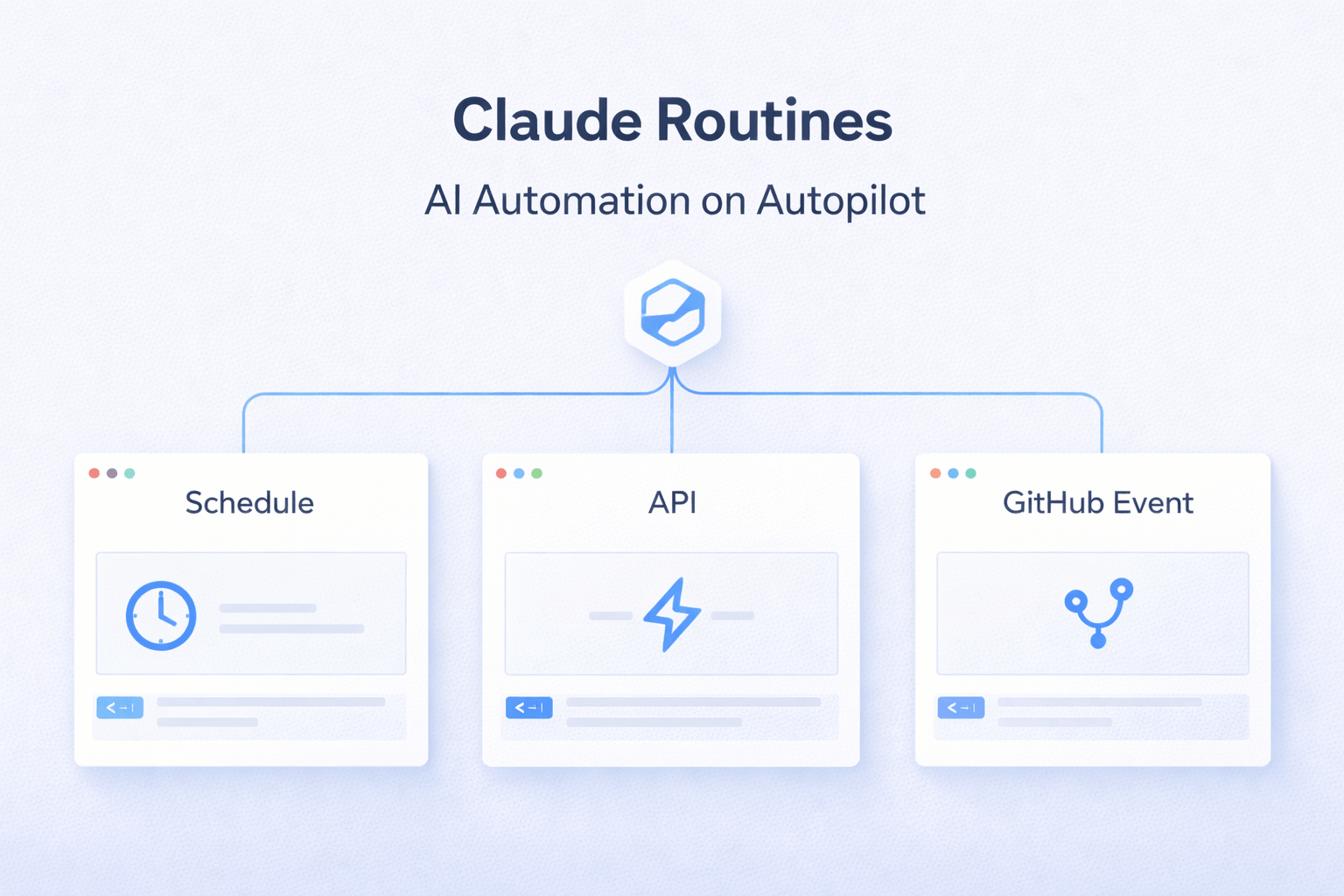
On April 14, 2026, Anthropic quietly launched one of the most significant developer features of the year: Claude Routines. It's a new way to run Claude Code automatically — on a schedule, when an API is called, or when something happens on GitHub — all on Anthropic's cloud infrastructure. Your laptop can be closed. Your workflow keeps running.
Industry coverage immediately framed it as an "n8n killer" and "cron jobs for AI." The New Stack ran a headline reading "Claude Code Can Now Do Your Job Overnight." Hacker News debated whether this is genius or vendor lock‑in nightmare. Either way, the developer landscape just shifted.
Here's everything you need to know about Claude Routines — what it is, how it works, who can use it, what it costs, and how it stacks up against ChatGPT, Gemini, and traditional automation tools like n8n and Zapier.
What Are Claude Routines?
According to Anthropic's official announcement:
"A routine is a Claude Code automation you configure once — including a prompt, repo, and connectors — and then run on a schedule, from an API call, or in response to an event."
In plain English: you bundle a Claude Code prompt, your code repository, and a set of connectors (Slack, Linear, GitHub, Google Drive) into one reusable configuration. You set a trigger. Anthropic runs it for you in the cloud. You wake up to the work being done.
This sits between two existing categories:
Cron jobs / GitHub Actions — run static scripts on a schedule but have no AI reasoning
AI Agents — maintain ongoing state and run continuously
Routines are the missing middle: dynamic, trigger‑driven AI workflows that wake up, do a task with Claude's reasoning, and shut down.
The Three Ways Routines Get Triggered
Every routine fires from one or more of three trigger types. You can combine multiple triggers per routine.
Trigger Type | How It Works | Best For |
|---|---|---|
Scheduled | Cron‑style cadence (hourly, nightly, weekly) | Recurring tasks like daily PR reviews, weekly reports, nightly bug triage |
API | HTTP POST to Anthropic's routine fire endpoint with a bearer token | CI/CD pipelines, deploy verifications, alert‑driven workflows |
GitHub Webhook | Fires on events like pull_request, push, issue, check_run, workflow_run, release | Code review, PR triage, dependency updates, docs drift detection |
The clever part: multiple triggers can be attached to a single routine. One routine can respond to a GitHub PR event AND run nightly AND be called from a deploy script — all with the same prompt, repo access, and connectors.
Real‑World Examples From Anthropic
Anthropic published several official use cases that show what's possible:
Overnight bug fixing: "Pull the top open bug from Linear every night at 2am, attempt a fix, and open a draft PR. Your team wakes up with a pull request already waiting."
Deploy verification: Your CD pipeline hits the routine API endpoint. The routine runs smoke tests, scans error logs, and posts a go/no‑go decision to your release channel.
Alert triage: Datadog, Sentry, or PagerDuty fires an alert. The routine pulls the stack trace, correlates it with recent commits, and opens a draft PR with a proposed fix.
PR review: A GitHub
pull_request.openedevent fires the routine. It applies your team checklist, leaves inline comments on security/performance/style, and posts a summary.Cross‑language SDK porting: A change to your Python SDK auto‑generates a matching Pull Request to your Go SDK.
Docs drift detection: A weekly scan of merged PRs flags docs referencing changed APIs, then opens update PRs.
Module monitoring: "Flag any pull request that touches /auth‑provider and post a summary to #auth‑changes in Slack."
How to Set Up a Claude Routine
You have two ways to create routines: through the web UI or via the Claude Code CLI.
Option 1: Web UI
Visit claude.ai/code/routines, configure your prompt, repo(s), connectors, and trigger type. Save. Done.
Option 2: Claude Code CLI
If you prefer the terminal, use the /schedule command:
/schedule— opens conversational creation/schedule daily PR review at 9am— one‑liner creation/schedule list— view all your routines/schedule update— modify an existing routine/schedule run— trigger a routine immediately
One important caveat: API tokens for routines are shown only once. Generate, copy, store securely. They can't be retrieved later.
Claude Routines vs Other AI Automation Tools
Routines aren't the first attempt at AI automation. Here's how they compare to similar features from competitors and traditional automation platforms:
Tool | Company | Trigger Types | Strength | Limitation |
|---|---|---|---|---|
Claude Routines | Anthropic | Schedule + API + GitHub event | Native code repo + GitHub integration, cloud execution | Locked to Claude Code; vendor lock‑in concerns |
ChatGPT Tasks | OpenAI | Schedule only | Easy setup for simple reminders | Described by reviewers as "a glorified reminder app" |
ChatGPT Agent Mode | OpenAI | Manual / web‑based | Strong autonomous web browsing | No GitHub‑native or API‑triggered execution |
Gemini Scheduled Actions | Schedule only | Workspace integration | Limited outside Google ecosystem; "half‑baked" per coverage | |
n8n / Zapier / Make | Third‑party | Many event triggers | Visual node‑based workflows, deterministic | Static logic — no AI reasoning at runtime |
GitHub Actions | GitHub | Repo events + schedule | Free for public repos, deeply integrated | Runs scripts, not AI prompts |
The key competitive insight: Routines combine the trigger flexibility of GitHub Actions with the AI reasoning of Claude. As one community reviewer put it: "Four sentences of plain English replace a 15‑node N8N canvas."
How Routines Differ From Claude Skills and Claude Projects
Anthropic now has three closely related Claude features. Here's how they fit together:
Feature | Purpose | How It's Triggered | Launched |
|---|---|---|---|
Claude Projects | "What Claude knows" — persistent context and docs | Manual chat in workspace | Mid‑2024 |
Claude Skills | "How Claude does things" — reusable procedural expertise | Auto‑invoked when relevant | October 2025 |
Claude Routines | "When Claude acts" — automated execution on triggers | Schedule / API / GitHub event | April 14, 2026 |
They're complementary, not competing. A Project holds your company docs, Skills format output in your brand voice, and Routines run the weekly report automatically. Together they form a complete AI automation stack.
Pricing and Availability
Claude Routines launched in Research Preview for Claude Code users on paid plans. Here's what each tier gets:
Plan | Daily Routine Runs | Notes |
|---|---|---|
Pro | 5 routines/day | Counts against normal usage limits |
Max | 15 routines/day | Counts against normal usage limits |
Team | 25 routines/day | Per‑user; counts against team limits |
Enterprise | 25 routines/day | Per‑user; counts against enterprise limits |
Important: Routines are NOT available via pure API key — you need an active Claude subscription. Extra runs beyond your daily cap are billed via per‑use overage pricing.
The Developer Details (API & GitHub Integration)
For developers, the API is the most exciting piece. Here's the technical setup:
API Endpoint
POST https://api.anthropic.com/v1/claude_code/routines/{routine_id}/fire
Header: anthropic-beta: experimental-cc-routine-2026-04-01
Auth: Bearer token (per-routine, generated once)The endpoint returns a session URL when fired. Routines aren't yet available in Anthropic's official SDKs because the token model differs from standard API keys — typical callers will be CI jobs and webhooks sending raw HTTP requests.
GitHub Integration
Routines can fire on these GitHub events: pull_request, push, issue, check_run, workflow_run, discussion, release, and merge_queue.
You'll need to install the Claude GitHub App on the target repo (the /web‑setup CLI command grants Claude repo access for cloning but does NOT install the GitHub App — that requires the web UI).
Security Defaults
By default, Claude can only push to branches prefixed with claude/. This protects your main branches from accidental changes during preview testing. The restriction can be disabled if you want full write access.
Why This Matters Beyond Developer Workflows
Claude Routines is part of a much bigger trend: autonomous AI agents are becoming the new web traffic.
Routines and similar features mean AI is increasingly browsing your site, reading your docs, and making decisions without human supervision. Just like the broader agentic AI wave we wrote about in AI Agents Are Browsing the Web — Is Your Website Ready?, this requires websites to be optimized for AI consumption.
Why this matters for your website:
A Claude Routine that scans documentation sites for API changes will discover sites with structured content first
A Routine that monitors competitive pricing pages will cite sources with clear, machine‑readable data
A Routine that triages support tickets by searching knowledge bases will reference sites with proper llms.txt and JSON‑LD
If you want AI agents and routines to find, understand, and cite your website, you need to make it AI‑readable. The fastest first step is generating an llms.txt file — it takes 60 seconds and tells every AI engine exactly what your site contains.
The Criticism: What Could Go Wrong
Not everyone is sold on Routines. Here's the most common pushback from the developer community:
1. Vendor Lock‑In
The top concern on Hacker News: "If Anthropic goes bad, I want to be able to move to another harness or model with minimal fuss... buying into things like routines would make that harder. I'm not willing to build a business or development flow on things I can't replicate myself."
2. Debugging Complexity
Multiple developers flagged the difficulty of debugging AI workflows that fire autonomously. When a routine fails at 2 a.m., piecing together what Claude reasoned about — and why — adds a new layer of operational overhead.
3. Hourly GitHub Event Caps
During the Research Preview, there are per‑routine and per‑account hourly caps on GitHub‑triggered events. Excess events are dropped silently. Heavy CI environments may hit these limits.
4. Doesn't Replace All Automation
Reviewers were quick to clarify that Routines don't fully replace n8n or Zapier. As one put it: "Pure data plumbing stays in n8n. Routines shine where AI reasoning is needed."
What This Means for the AI Automation Market
Anthropic's Routines launch is a major competitive escalation in three directions:
Against OpenAI: ChatGPT Tasks (Jan 2025) was widely seen as underwhelming. Routines is the developer‑grade automation feature OpenAI hasn't shipped.
Against traditional automation (n8n, Zapier, Make): Plain‑English prompts replace visual node graphs for AI‑driven workflows.
Against the "AI Agent" market: By delivering scheduled, triggered execution natively, Anthropic is making bespoke agent frameworks less necessary for many use cases.
Combined with the broader Anthropic news cycle — Claude Mythos triggering emergency Wall Street meetings, the $380B valuation, Project Glasswing — Routines is part of a coordinated push to make Claude Code the default professional AI coding environment.
Conclusion
Claude Routines is the most significant Claude Code update of 2026 so far. By turning Claude into a triggered, scheduled, cloud‑executed automation engine, Anthropic has given developers a tool that didn't exist anywhere else: AI workflows that combine GitHub‑native triggers, repo access, and natural‑language configuration.
The early reception is mixed but mostly positive. Critics worry about vendor lock‑in and debugging complexity. Enthusiasts call it an n8n killer. The truth is probably in between — Routines won't replace traditional automation entirely, but for AI‑driven developer workflows, it raises the bar dramatically.
And as more AI agents and routines crawl the web autonomously, one thing becomes increasingly clear: your website needs to be AI‑readable. Claude Routines, ChatGPT Agent Mode, Perplexity, and every emerging AI agent rely on structured, parseable content to do their work.
The single highest‑impact step you can take today is generating an llms.txt file. It tells every AI agent exactly what your website contains and how it's organized — making your content the source AI cites and acts upon.
Generate your free llms.txt file now → and make your site AI‑agent ready.
Frequently Asked Questions
What are Claude Routines?
Claude Routines is a feature launched by Anthropic on April 14, 2026 that lets you bundle a Claude Code prompt, repository, and connectors into a reusable automation. Routines run on Anthropic's cloud infrastructure and can be triggered on a schedule, by API call, or by GitHub events — even when your laptop is closed.
How are Claude Routines different from cron jobs or GitHub Actions?
Cron jobs and GitHub Actions run static scripts at set times. Claude Routines run Claude AI prompts on the same triggers, meaning they can reason, make decisions, and take context‑aware actions instead of just executing predetermined logic.
How are Claude Routines different from AI agents?
AI agents typically maintain ongoing state and run continuously. Claude Routines are short‑lived, trigger‑driven workflows that wake up, complete a task, and shut down. Industry coverage describes them as "dynamic cron jobs" or "short‑lived AI agents."
How much do Claude Routines cost?
Routines are included with Claude Code on paid plans. Pro users get 5 routines/day, Max users get 15/day, and Team and Enterprise users get 25/day per user. Routines aren't available with API‑key‑only access — you need an active Claude subscription. Extra runs beyond your daily cap are billed as per‑use overage.
Can I trigger a Claude Routine from my own application?
Yes. Each routine can have an API trigger that fires when you POST to https://api.anthropic.com/v1/claude_code/routines/{routine_id}/fire with a bearer token. The endpoint returns a session URL when fired. Bearer tokens are generated once per routine and cannot be retrieved later, so store them securely.
What GitHub events can trigger a Claude Routine?
Currently supported: pull_request, push, issue, check_run, workflow_run, discussion, release, and merge_queue. You'll need to install the Claude GitHub App on the target repo for these triggers to work.
How does Claude Routines compare to ChatGPT Tasks?
ChatGPT Tasks is limited to scheduled triggers and is widely considered basic ("a glorified reminder app" per several reviews). Claude Routines supports schedule + API + GitHub event triggers, has native code repo access, and runs full Claude Code prompts in a cloud container — making it dramatically more powerful for developer workflows.
Are Claude Routines a replacement for n8n or Zapier?
For AI‑driven workflows, yes — they replace much of what visual automation tools did, with plain‑English prompts instead of node graphs. For pure data plumbing without AI reasoning (e.g., moving rows from a spreadsheet to a database), n8n and Zapier remain better fits. Most teams will use both.
What are the security risks of Claude Routines?
Two key safeguards: by default, Claude can only push to branches prefixed claude/ (protecting your main branch), and API tokens are shown only once at generation. Critics on Hacker News have raised concerns about debugging difficulty and vendor lock‑in — building critical workflows on Routines means depending on Anthropic's ongoing service availability.
How do AI automation tools like Claude Routines affect website visibility?
As more AI agents and routines browse the web autonomously, websites with structured, machine‑readable content get cited and acted upon more often. Adding an llms.txt file to your domain root is the highest‑impact step you can take to make your website discoverable by AI agents — including those running inside Claude Routines.
