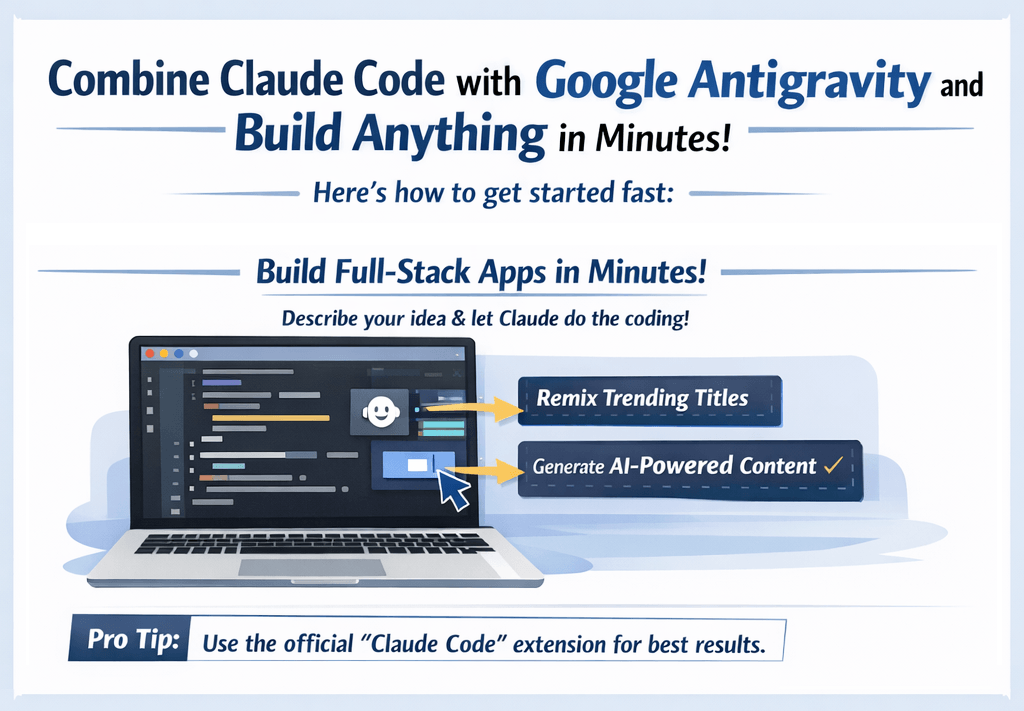
AI-assisted development is evolving fast. By combining modern agentic command-line tools like Anthropic's Claude Code with Google's agent-first development platform Google Antigravity, developers can unlock incredibly fast and automated full-stack workflows.
🚀 Build and Automate Anything with Claude Code + Google Antigravity
In this guide, you'll learn how to set up Claude Code inside Google Antigravity and explore how this combination can accelerate building and testing full-stack applications in 2026.
🧩 Step 1: Open Your Google Antigravity Workspace
- Download Google Antigravity for macOS, Windows, or Linux from antigravity.google and sign in with your Google account.
- Open a local project folder or clone an existing repository from GitHub.
- Antigravity is built on a modified VS Code, so you get a familiar Editor view plus an agent-first Manager view for orchestrating multiple agents.
🗂️ Step 2: Access the Integrated Terminal
Because Antigravity is built on VS Code, it includes a fully functional integrated terminal running on your local machine. You can install and configure command-line utilities exactly as you would in any local shell.
- Open the terminal panel in Antigravity (typically at the bottom of the interface).
- Verify that Node.js and npm are installed by running:
node -v && npm -v.
🔌 Step 3: Install and Authenticate Claude Code
Claude Code is Anthropic's terminal-based coding agent. You can run it directly inside Antigravity's integrated terminal to automate codebase edits, run tests, and manage git commits.
- Install Claude Code globally in your Antigravity terminal:
npm install -g @anthropic-ai/claude-code - Once installed, start Claude Code by typing:
claude - Follow the on-screen instructions to authenticate with your Anthropic account. This will link the CLI tool to your API keys securely.
⚙️ Step 4: Automate Code Edits and Running Commands
Now that Claude Code is active inside your Google Antigravity workspace, you can instruct it to perform multi-file modifications and terminal actions — and run it alongside Antigravity's own agents:
- Use slash commands in the Claude shell like
/initto analyze the workspace structure. - Ask Claude to write new features, debug errors, or add tests. For example: "Add a new API route in Next.js that fetches trending topics and writes them to a JSON file."
- Because Claude Code has permission to execute terminal commands (with your approval), it can automatically run the dev server, run unit tests, and check for compilation errors.
🧪 What You Can Build with This Setup
By marrying Claude Code's agentic reasoning with Google Antigravity's parallel agent orchestration and browser-verified builds, you can build complex apps in record time.
💡 Example Use Case: Micro-SaaS Generation
- Design: Use an Antigravity agent to scaffold and preview your UI, verifying it in a real browser.
- Development: Prompt Claude Code in the terminal to scaffold the backend routes, write database queries, and connect the UI elements.
- Testing: Instruct Claude Code to run test suites, and let an Antigravity agent actuate the browser to confirm the feature works end to end.
- Deployment: Deploy directly from the integrated terminal to Firebase Hosting or Google Cloud with a single command.
⚡ Why This Workflow Matters
- Two agents, one workspace: Pair Claude Code's terminal-first execution with Antigravity's Manager view, which orchestrates multiple agents in parallel.
- Browser-verified builds: Antigravity agents launch localhost and test changes in a real browser, producing reviewable Artifacts.
- Agentic Automation: Let Claude Code refactor files, fix lint errors, and write unit tests while you focus on high-level architecture.
- Ideal for AI-First SEO: Rapidly spin up content hubs, optimize metadata, and integrate LLMs.txt files.
🧠 Pro Tip: Make Your Apps AI-Ready
If you're building applications and documentation that other developer agents (like Claude Code or Antigravity's Gemini agents) might crawl, make sure your project contains an llms.txt file at the root.
👉 Generate your file in 60 seconds here: LLMs.txt Generator Tool
🔚 Final Thoughts
AI-assisted development is no longer just autocomplete — it is agentic. Combining the agent-first desktop workspace of Google Antigravity with the terminal-first execution of Claude Code gives you a highly productive setup. Start building today!